Brightnest Cleaning Co.
A made-up cleaning, washing and moving company in Tucson, AZ, with a complete website and the owner's side of the hub. Here's the quick tour — no sign-up needed.
The website
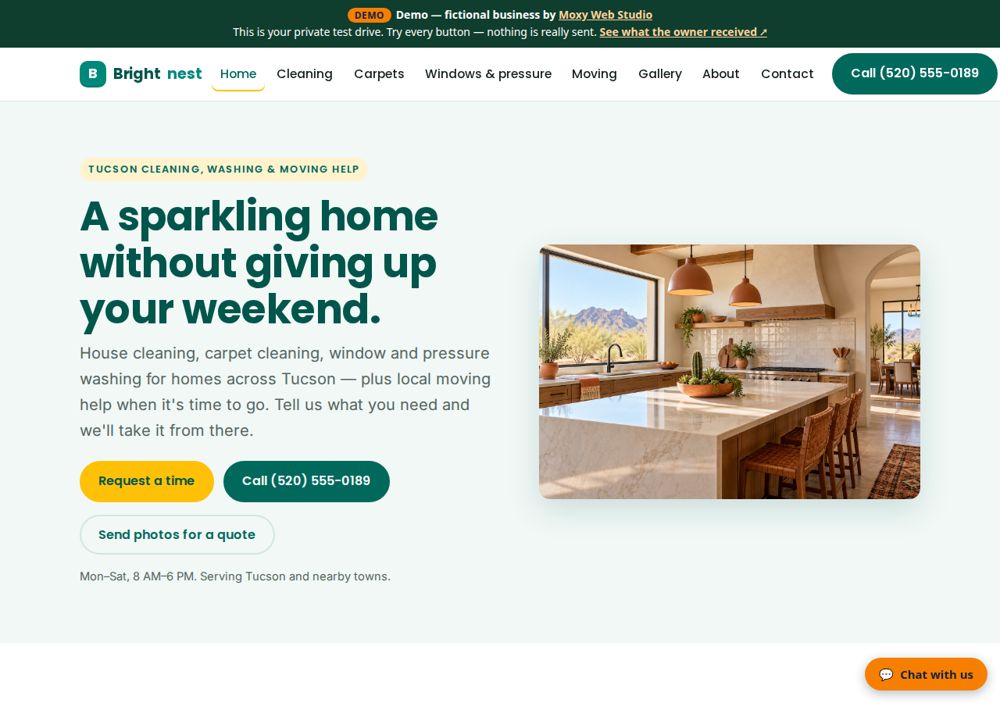
Brightnest Cleaning Co.'s home page: what they do, where, the hours and the main buttons. The same website we build at either price — up to 8 pages, with a call button on every page.
A page for each main service
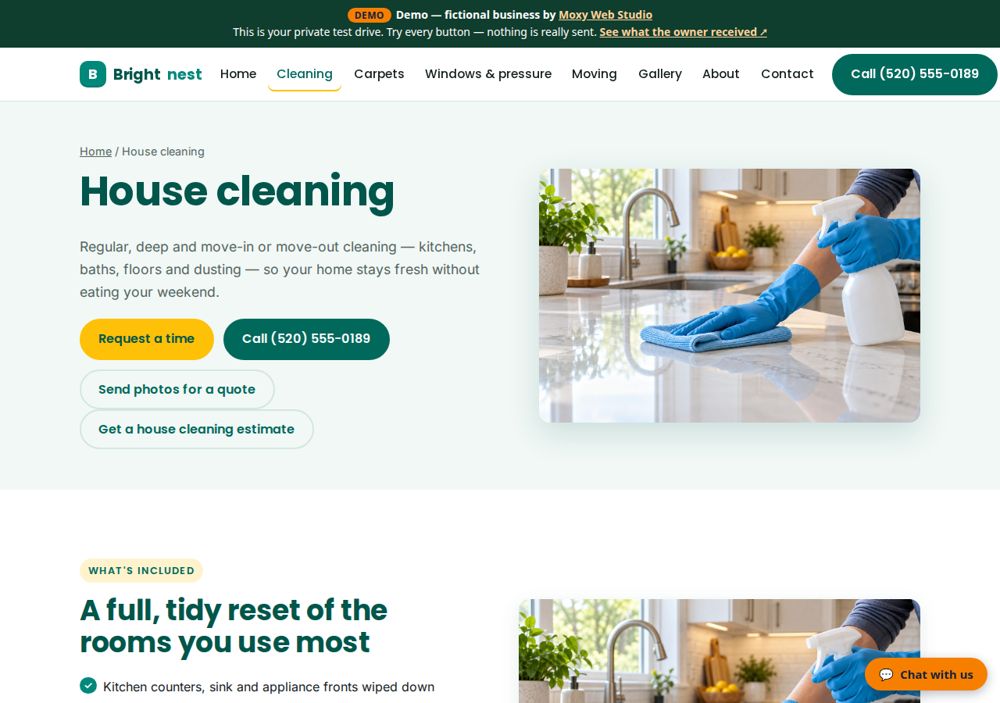
Up to four service pages, each with what's included, who it's for, a short FAQ and the next step.
Get a price
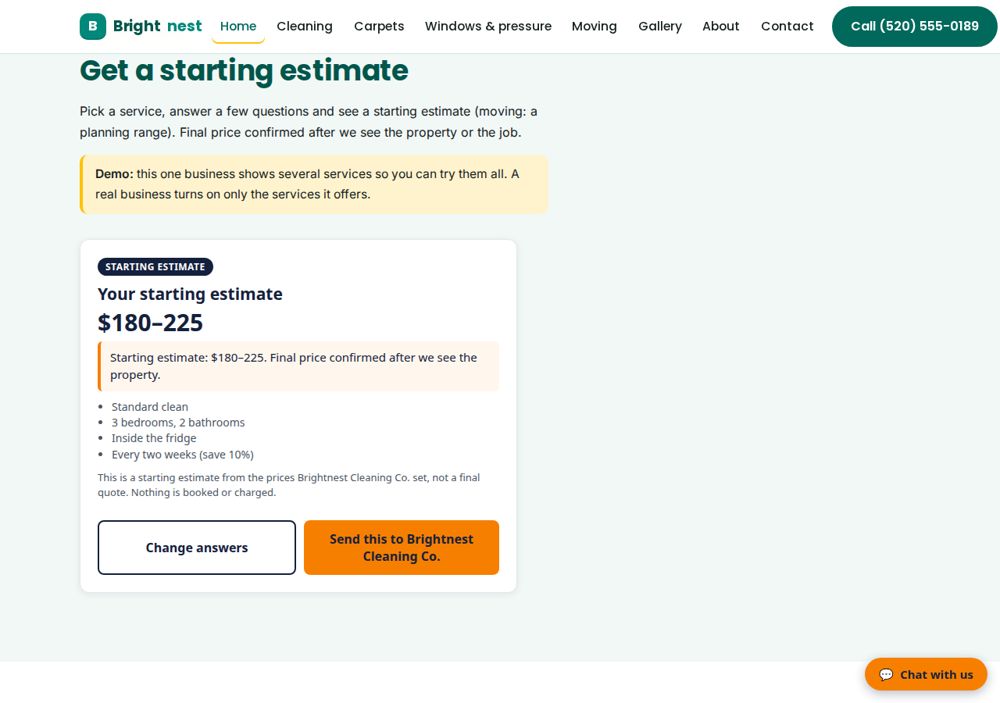
One calculator for many home-service trades: the visitor picks the service (house cleaning, carpet cleaning, window washing, pressure washing or moving), answers a few questions and sees a starting estimate from the owner's own prices. This demo turns on all five; a real business turns on only the services it offers.
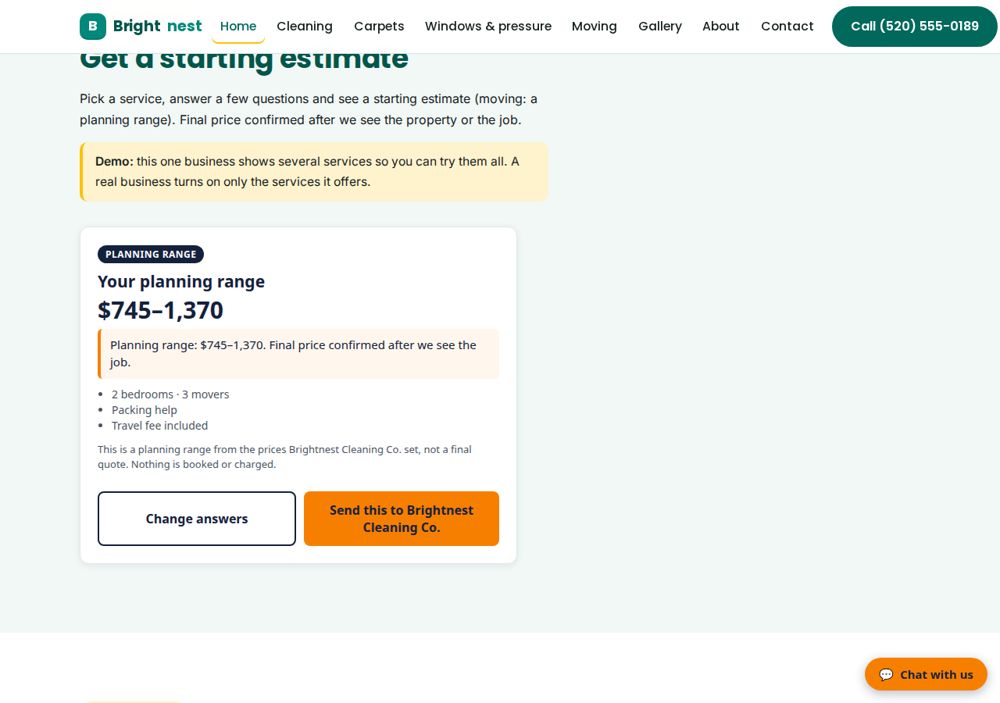
Moving: a planning range
The same calculator, moving side: crew, hours and extras give a planning range, never a final quote.
Request a time
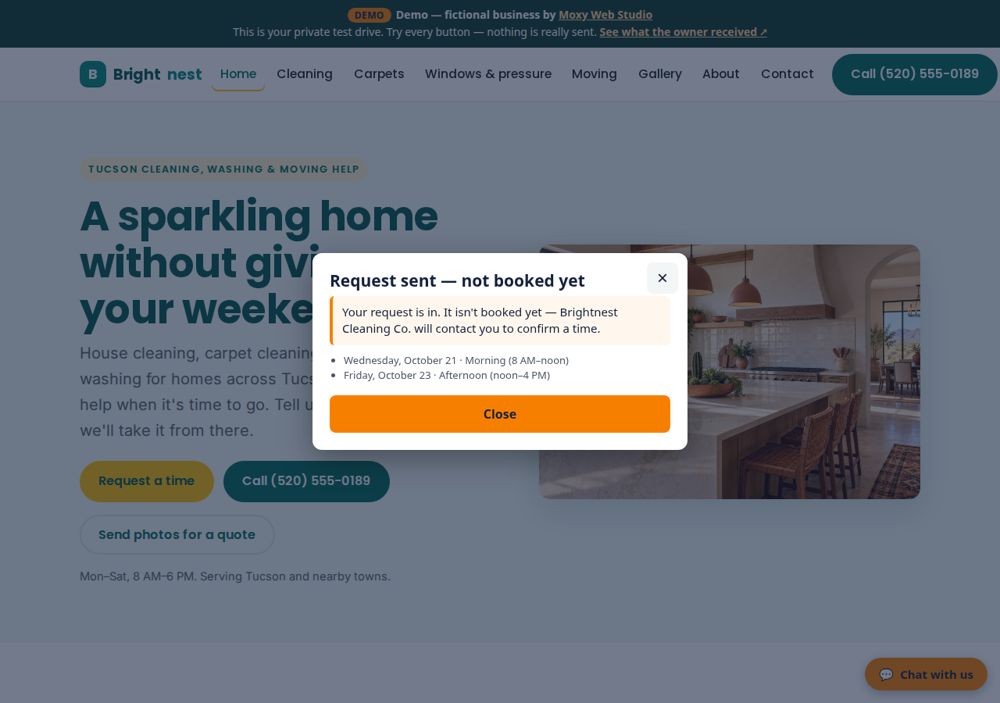
No booking service? The Request a time button opens a short form. It's a request, never a booking — the owner confirms.
Quote request with photos
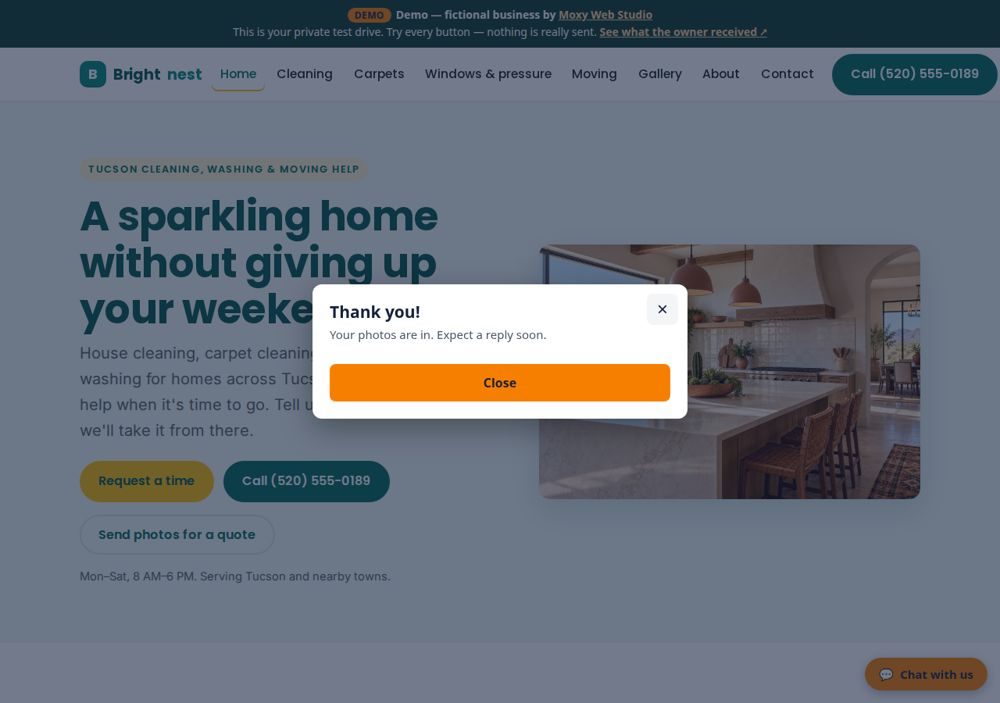
Customers send a few photos of the job and a note, straight from their phone.
Website chat
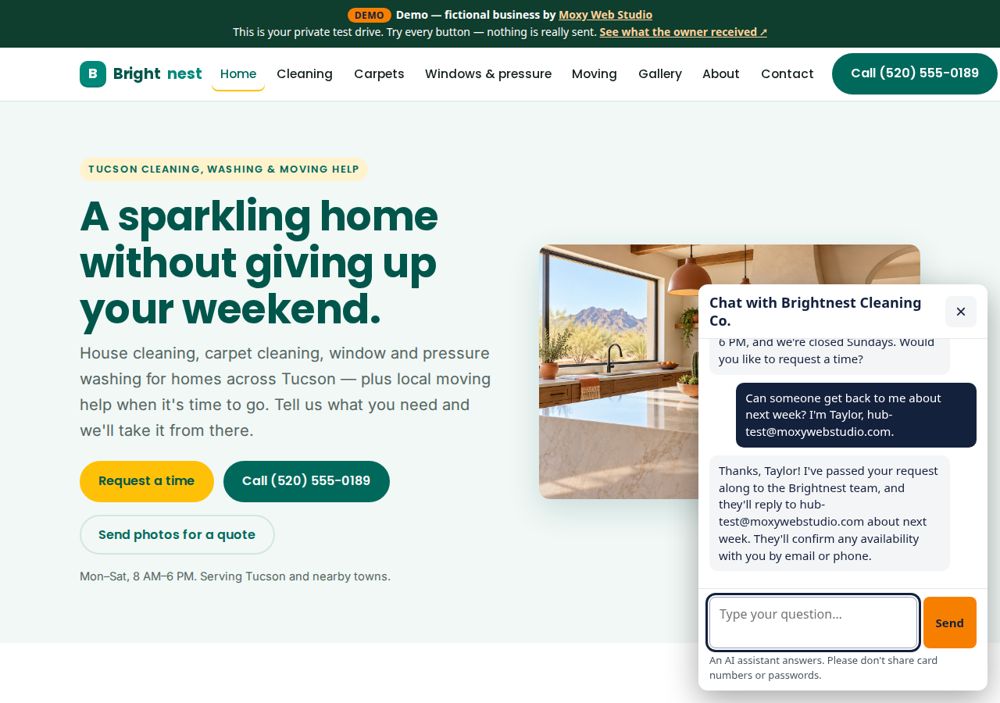
Visitors ask questions any time. The AI answers only from the business's own details and passes messages on. (The full test drive includes 12 chat messages.)
Want to press the buttons yourself? The full test drive is free and lasts 7 days.
Request a free test driveWhat the owner receives
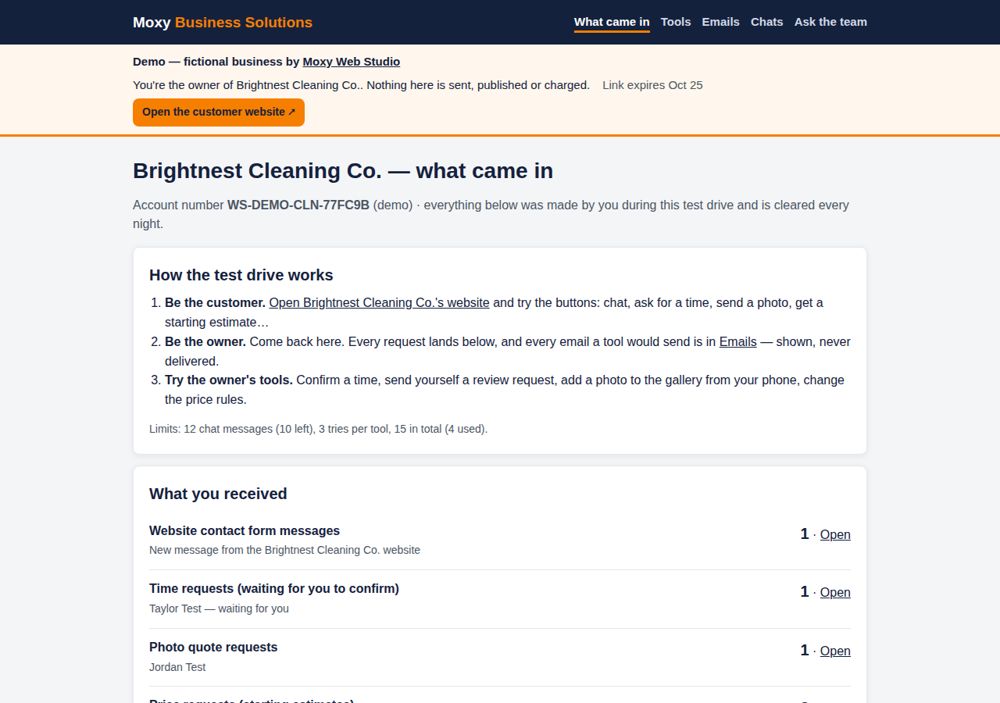
The owner side of the hub lists everything that came in from the website.
Confirm, reply, follow up
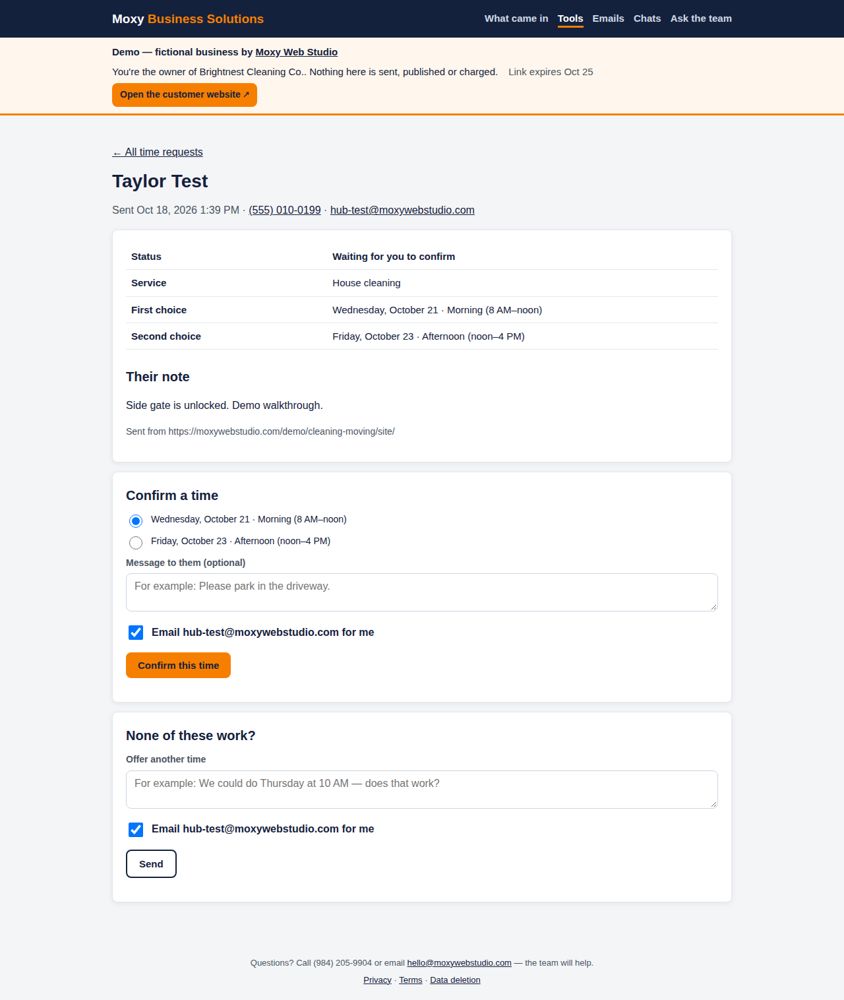
Every request opens with the details and the next step — like confirming a requested time, which can email the customer for the owner.
Every email, shown — never sent
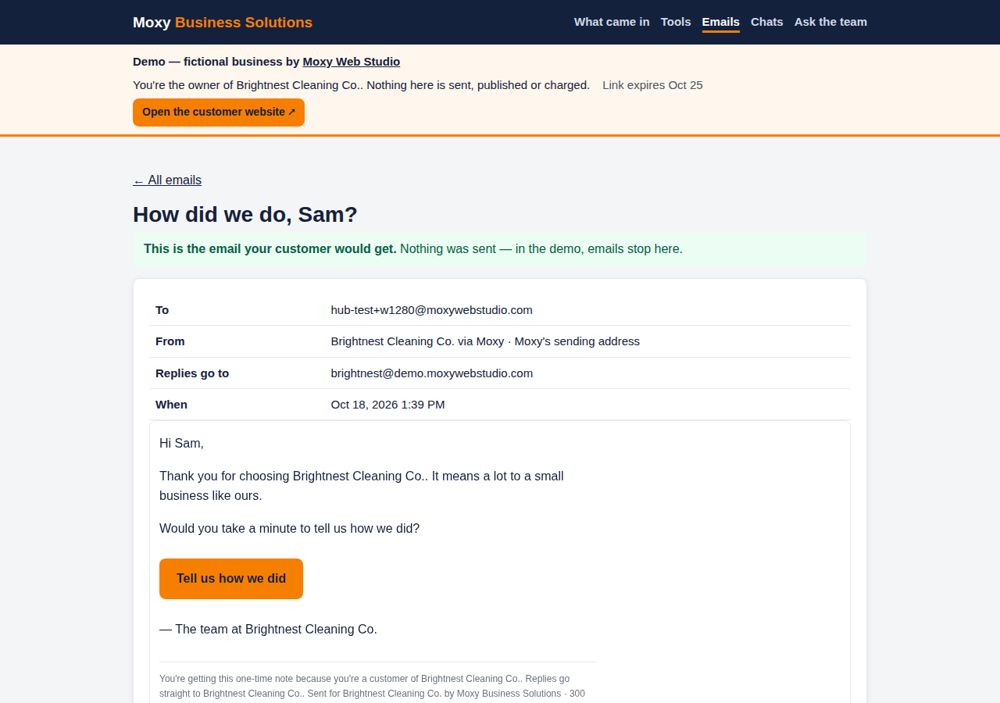
In the test drive, every email a tool would send (to the owner or to the customer) is caught and shown here instead.
Review requests
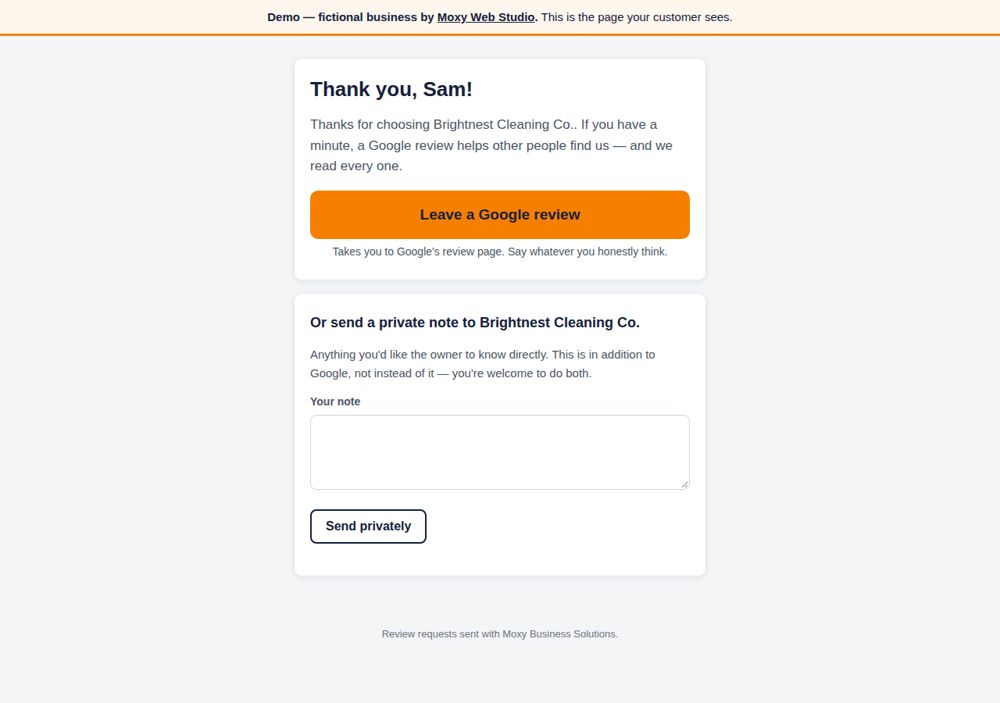
The owner sends a short review request; the customer's page offers Google and a private note side by side (no review gating).
That's the tour. In the full test drive you're both the customer and the owner, and every tool works.
Request a free test driveWant to try it yourself?
Request a free test drive. We email you a private link to this business's full website and the owner's side.